How we use apps at WeMachines
Listen to this article 5 min
As of September 28, our workspace had 29 internal apps and 212 saved versions. The first went live on August 3. We use them for jobs such as tracking deals, reading analytics and preparing images. Here is how they work.
Small tools
Our team needs small tools: a CRM, a content planner, notes, analytics and a way to watch deployments. We build some of these as apps in our workspace.
Describe a tool on the Apps page, review the first version and request changes in its thread. Of our 29 apps, 24 have a server, database and API. WeMachines hosts them, and the team can use them from the workspace.
Everyone builds
Nobody here writes a ticket for an internal tool. Whoever needs it asks for it. Our CRM started as a one-line ask. When it didn't match how we actually sell, the person who runs the pipeline pasted the fields and stages they wanted into its thread, and the CRM changed shape within the hour.
Asks are short and read like chat, because that is what they are - "white buttons have white text. pls fix" is a real one. Our designer writes some of them in Polish, and the builder doesn't mind. Every ask stays on the app's thread with who asked and how it went, so anyone can pick up where someone else stopped, and every change is a numbered version you can roll back to.
Since 28 August our threads hold 163 asks. Most of them now run on our own laptops, through the desktop app, on the coding agents we already pay for - mostly Claude Code.
Apps the AI can read
Apps can share a summary and data with machines in the workspace. At the time of writing, 26 of our 29 apps did this.
Ask about the sales pipeline in chat and a machine can read the CRM. Ask what shipped yesterday and it can read the changelog. Machines can also call a server app’s API to update its data.
Each app has one switch for how much of this the AI gets: always in context, on request, or never. 13 of ours are always in, 9 wait until a question is about them, and 7 stay out. When the first version of our notes app turned out to be invisible to the machines, we said so in its thread. Now every note has a reference, just like tasks and docs, and any machine can read the note you point it at.
One prompt for the brand
One of our smallest apps is also one of the most useful. It's a moodboard. We paste in pictures we like - 23 so far - and one button turns them into a single brand prompt: the mood, the palette, the light, what to avoid. The app publishes that prompt, always in context.

The shared prompt gives machines our visual style when we ask for an image. We used it to create the picture at the top of this post.
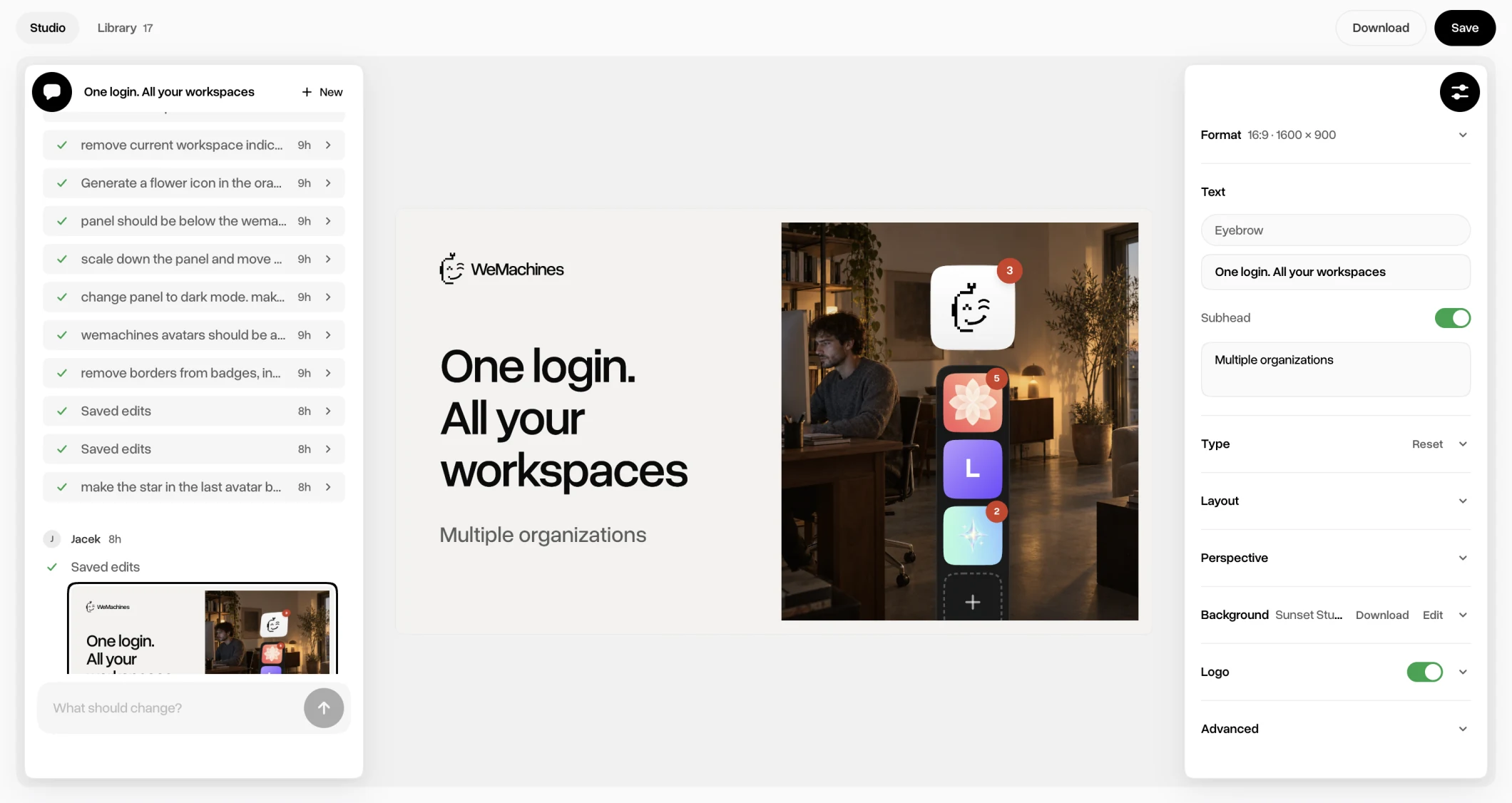
Our press image studio goes a step further. It reads the product's real sidebar, design tokens and screens from our repo, so a mockup shows WeMachines as it looks today, and a machine asked for a press image in chat gets it from the app and posts the picture. It's the app our designer asks the most of, and it has shipped 48 versions since 20 September.
Routines
Routines handle scheduled work for our apps. The machine building an app can also set up its routine.
Every night, a routine asks our changelog app to read the day’s repository changes and publish a summary.
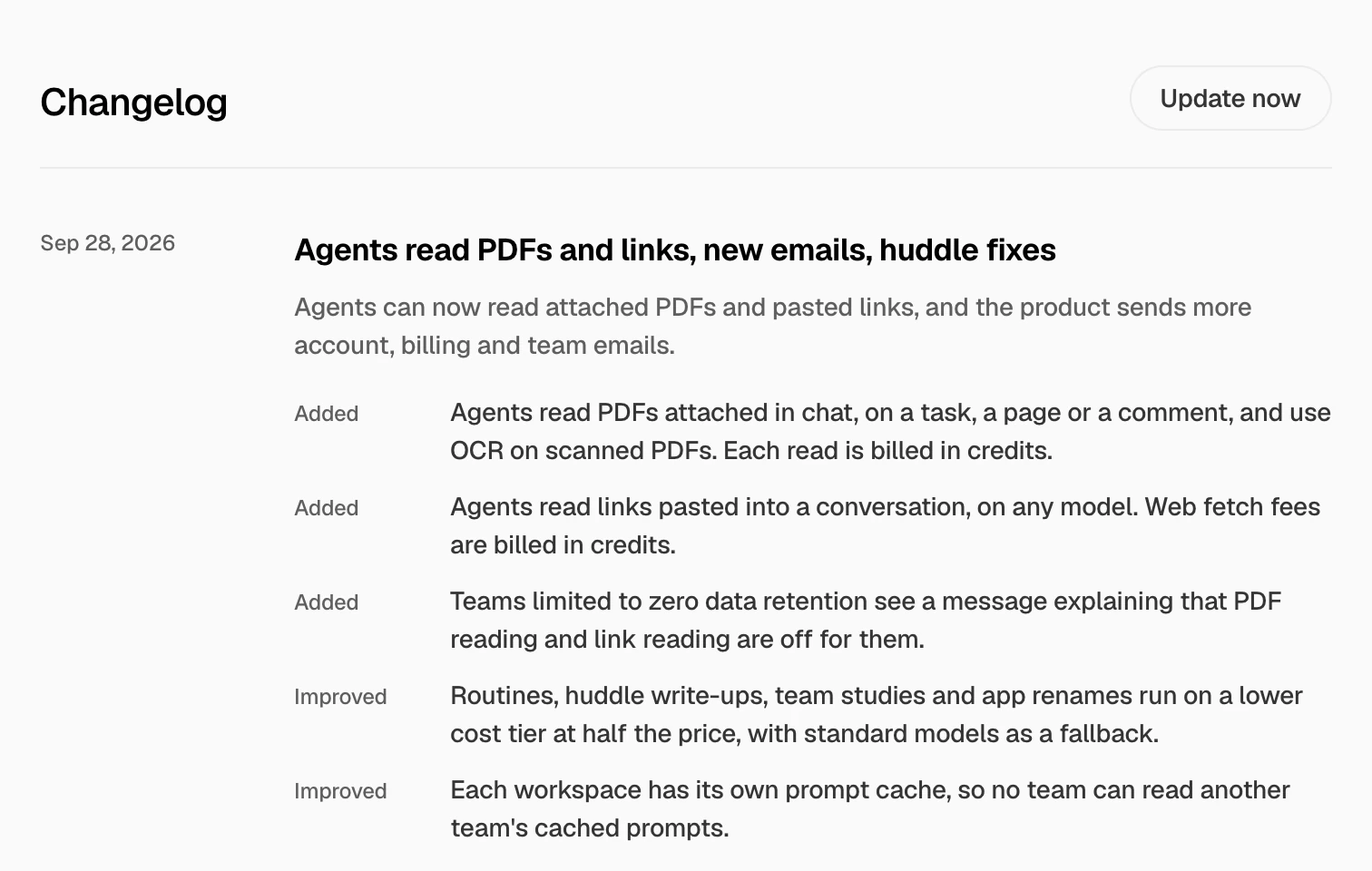
Every morning, another one refreshes our analytics app from PostHog, so the AI can answer questions about visitors and signups when nobody has the dashboard open. On Mondays a third reads the same app and tells us what to act on. The press studio re-reads the repo every morning, too.
And every Friday, an AI teammate writes one fresh compliment about our designer's work and posts it to a wall built for exactly that. There are seven on it so far.
Fun
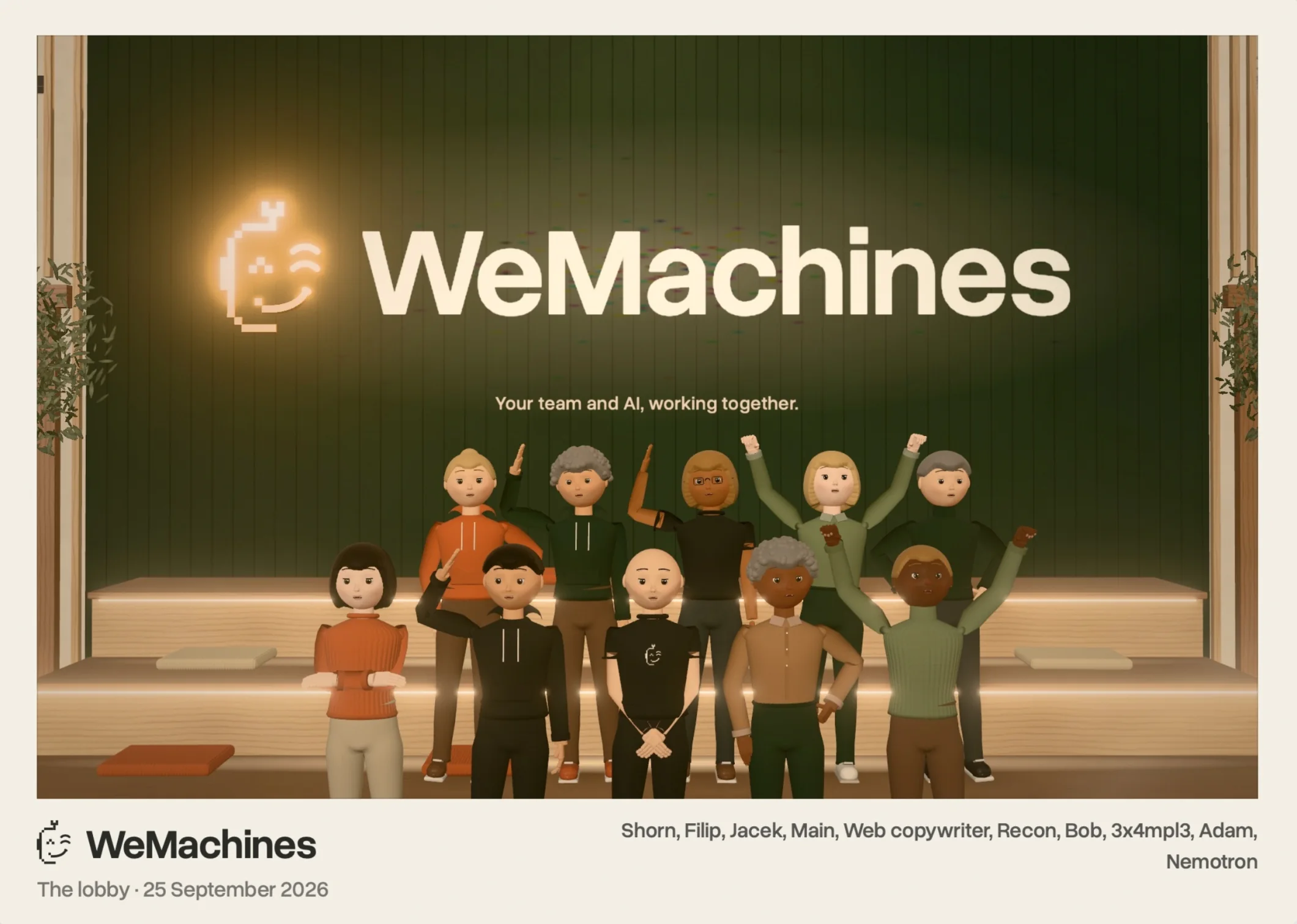
Some apps exist because we like each other. There's a 3D office with a desk for each of us and for seven of our AI teammates, a coffee bar, and a button that gathers everyone, AI included, for a group photo. The host at the front desk tells you what happened while you were away. There's a multiplayer game, a Minecraft world for the workspace and a quote hall of fame.
Our workout app plots our training against how the work moves, to see whether exercise makes us better at our jobs. No verdict yet.
Still early
Apps are in early access, and now and then it shows. Not every ask lands the first time - the redesign of our analytics dashboard took three. An app can read the workspace but can't write to it yet: it can show you the board, not create a task. A server app takes a few seconds to wake up after a quiet spell. And the apps are for us. We don't run anything our customers depend on with them, and we don't recommend it yet.
By the numbers
- 29 apps, 24 of them with their own database
- 212 versions, 151 of them in the last 30 days
- 163 asks on their threads since 28 August
- 26 apps that publish what they hold to the AI
- 6 that reach a service outside the workspace, from PostHog and Cloudflare to GitHub and ElevenLabs
- 14 pinned to the sidebar, sorted into 7 groups
- 0 servers we look after
Our earlier case study estimated 8 to 16 hours a week to build internal tools by hand, plus 3 hours for hosting and maintenance. We estimated about an hour with WeMachines. These are estimates for our team; many of these apps did not exist before. See Building WeMachines on WeMachines.
When we need a tool, we try describing it in Apps. Then we test the result and ask for changes.
What we use them for
The apps sit alongside our chat, tasks and docs. Teammates can improve them in a shared thread. Machines can use the data we make available, and routines run the jobs we schedule.